> For the complete documentation index, see [llms.txt](https://docs.scepman.com/llms.txt). Markdown versions of documentation pages are available by appending `.md` to page URLs; this page is available as [Markdown](https://docs.scepman.com/es/configuracion-de-scepman/rbac/csr-and-form-roles.md).
# Roles de CSR y formularios
{% hint style="info" %}
Aplicable a SCEPman Certificate Master versión 2.11 y superiores
{% endhint %}
Además de los roles descritos en [RBAC de Maestro de certificados](/es/configuracion-de-scepman/rbac.md), hay algunos más que no se agregan a la aplicación de Entra de forma predeterminada, ya que podrían ser necesarios solo en circunstancias especiales.
Estos roles pueden verse como un concepto más granular de lo que los `Request.*` roles ya proporcionan, al tiempo que otorgan específicamente los permisos para solicitar certificados usando una CSR o el formulario.
### Roles de CSR
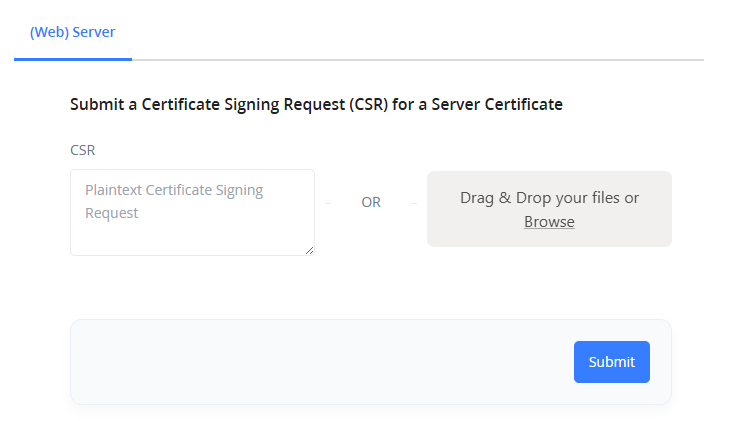
Los siguientes roles permiten a los usuarios solicitar certificados en su sección específica, pudiendo solo proporcionar CSRs para su firma. La creación de certificados mediante el formulario no será posible.
* **Request.All.Csr**
* **Request.Client.Csr**
* **Request.CodeSigning.Csr**
* **Request.Server.Csr**
* **Request.SubCa.Csr**
* **Request.User.Csr**
### Roles de formulario
Los roles de formulario permitirán a los usuarios crear certificados usando el formulario integrado en Certificate Master. Firmar CSRs no es posible con estos roles.
* **Request.All.Form**
* **Request.Client.Form**
* **Request.CodeSigning.Form**
* **Request.Server.Form**
* **Request.SubCa.Form**
* **Request.User.Form**
## Agregar los roles
Todos estos roles se pueden agregar ejecutando el `Complete-SCEPmanInstallation` CMDlet. Esto requiere la versión 2.11 o una versión más reciente del módulo SCEPman de PowerShell.
#### Ejemplo:
{% code overflow="wrap" lineNumbers="true" %}
```powershell
Install-Module SCEPman -Scope CurrentUser -Force
Complete-SCEPmanInstallation app-scepman-contoso
```
{% endcode %}
---
# Agent Instructions
This documentation is published with GitBook. GitBook is the documentation platform designed so that both humans and AI agents can read, navigate, and reason over technical content effectively. Learn more at gitbook.com.
## Querying This Documentation
If you need additional information that is not directly available in this page, you can query the documentation by asking a question.
Perform an HTTP GET request on the following URL with the `ask` and `goal` query parameters:
```
GET https://docs.scepman.com/es/configuracion-de-scepman/rbac/csr-and-form-roles.md?ask=&goal=
```
`ask` is the immediate question: it should be specific, self-contained, and written in natural language.
`goal` is what the user is ultimately trying to achieve, the reason they need the answer. Sharing it helps GitBook give you a better, more relevant answer. A goal is most helpful when it describes the outcome the user wants rather than restating the question. For example, with `ask=how do I create an API token`, a goal like `automate deployments from our CI pipeline` lets GitBook tailor the answer to that use case.
The response will contain a direct answer to the question and relevant excerpts and sources from the documentation.
Use this mechanism when the answer is not explicitly present in the current page, you need clarification or additional context, or you want to retrieve related documentation sections.